
Using Slide Cart's Analytics
Gain Insights into how Slide Cart is performing for your store. With our analytics feature, you will be able to see In Cart metrics and Conversion metrics if you are in our Growth, Pro, or Enterprise plan. To view these, simply go to the Analytics tab in the app dashboard:
In Cart Metrics
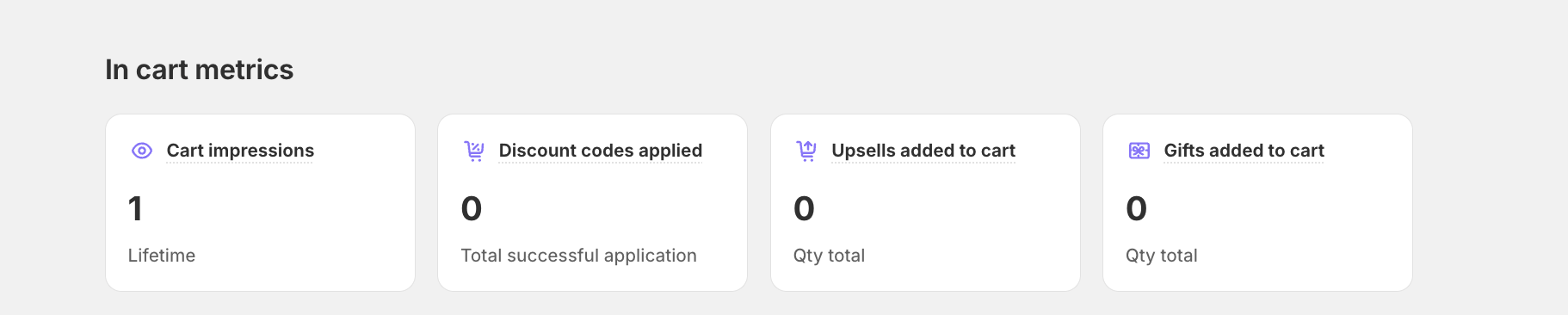
In this section, you will find:
- Cart Impressions: The number of times Slide Cart has been shown to your customers.
- Discount Codes Applied: The number of times discount codes were successfully applied through Slide Cart. Stacked discounts are counted as well.
- Products added via Upsell: Number of times customers added a product from the upsell recommendations set-up.
- Free Gifts Added to Cart: Number of items added to cart via Slide Cart Free Gift Picker.
Conversion Metrics
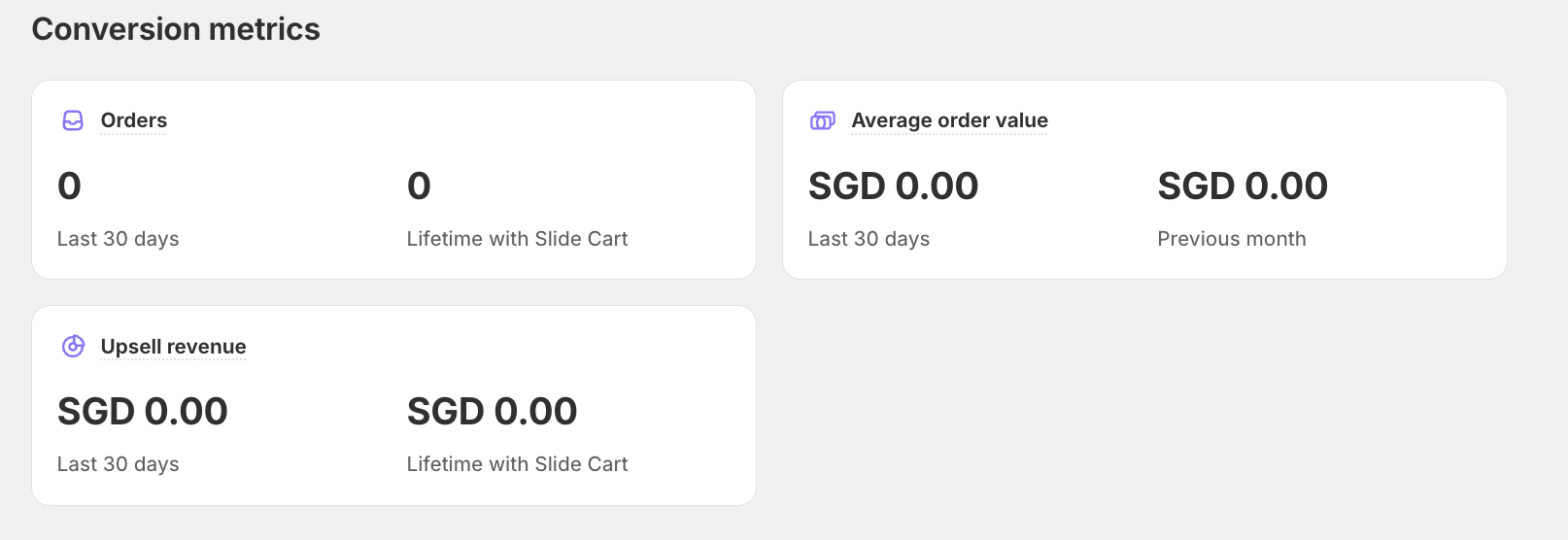
In this section, you will find:
- Orders: Number of orders completed on your store by Current Month to date (MTD) or Lifetime.
- Upsells Revenue: See how much revenue your store has made through our upsells feature by Current Month to date (MTD) or Lifetime. These are shown in the main currency of your store.
- Average Order Value (AOV): It will show you the AOV for all the orders in the Previous month or the last 30 days.